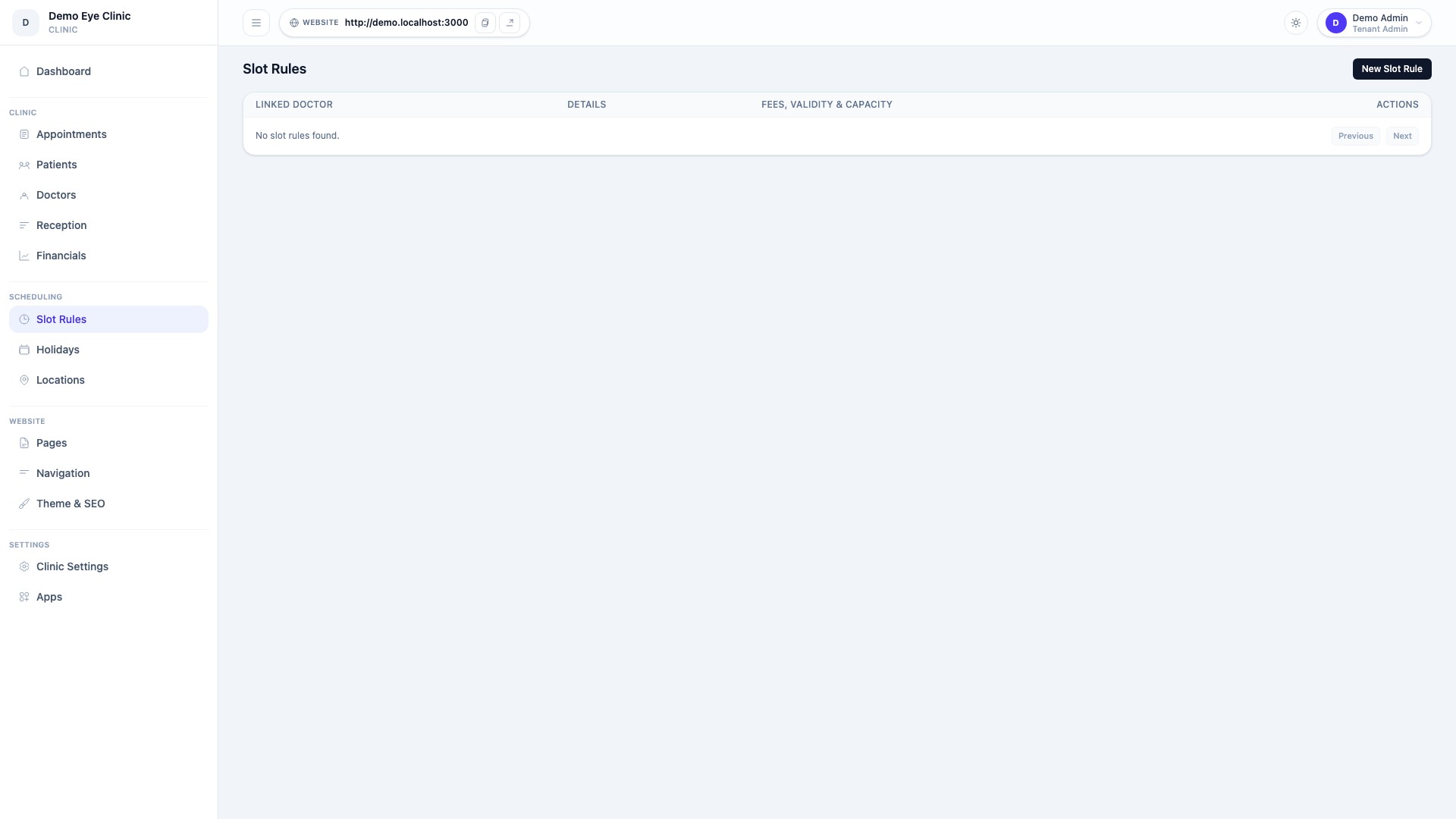
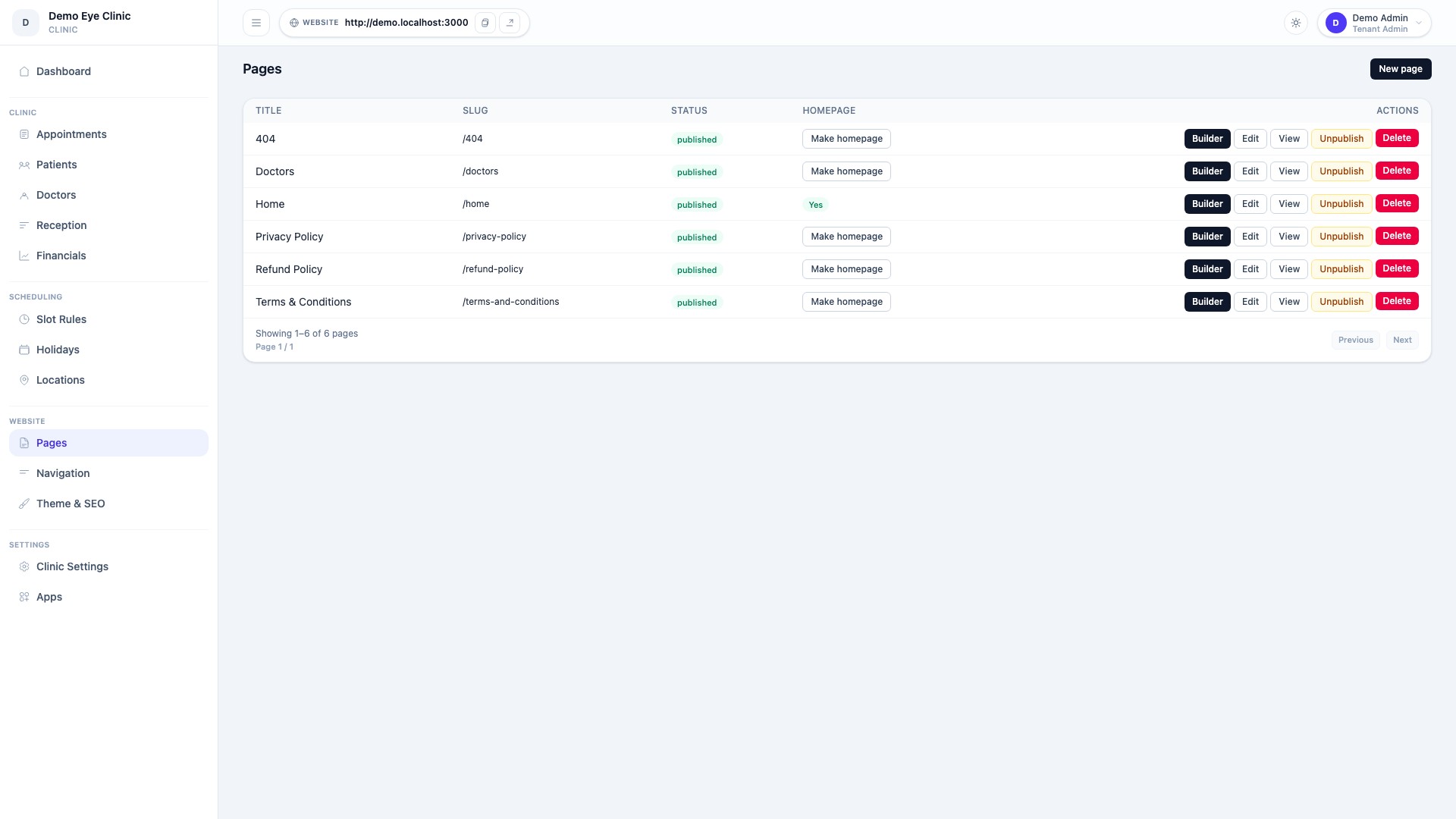
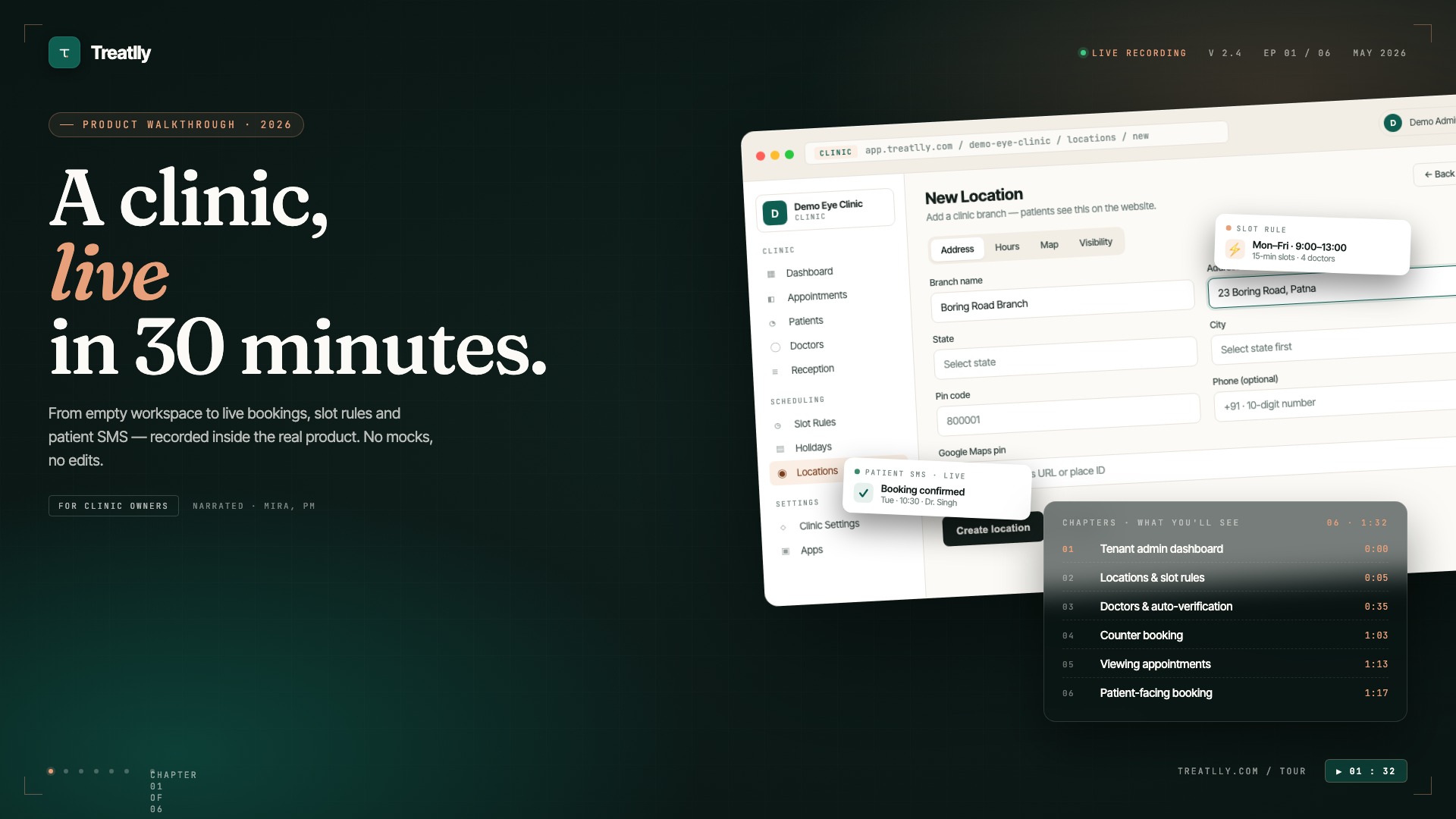
None of them is a custom build. Every capability shown above ships in the standard product and is turned on from the admin settings — which is the point. A clinic that wants the multi-location slot setup does not commission development work; it configures rules and generates slots. The differences between the three are differences of configuration, not of code.
Slot rules are the part most clinics underestimate
A consulting day is rarely a flat list of equal appointments. A doctor may see walk-ins between 10am and 1pm, take pre-booked patients only in the evening, cap online bookings so the counter always has room, and lose Thursday afternoons to a hospital round. Software that models a day as "30 slots of 10 minutes" cannot express any of that, so the front desk ends up keeping the real schedule in a register and the software becomes a second, less accurate copy.
The pattern in the first example separates the rule from the slots. You describe the recurring shape of a week once — days, timings, per-session quotas, how many of those seats the internet is allowed to take — and a scheduler generates the actual bookable slots forward from it. Change the rule and future slots regenerate; today's already-booked patients are left alone. Holidays remove the affected days and the patients on them are flagged for reschedule rather than silently dropped.
The storefront is owned by the clinic, not rented from a marketplace
The second example matters commercially rather than technically. A booking page on an aggregator sends the patient to a destination that also lists competitors, and charges per booking for the privilege. A storefront on your own domain does not. The theme builder exists so that changing a photograph, a department name or the order of sections does not require a developer or a support ticket — the clinic's own staff make the edit and publish it.
Booking components are shared rather than duplicated per tenant, so a clinic can restyle its pages freely without the appointment flow drifting out of sync with the rest of the product. See the feature breakdown for what the builder does and does not control.
Roles decide what money each person can see
The third example is about separation of duties. A receptionist needs to book, reschedule and collect. A doctor needs a queue and a prescription pad. Whoever reconciles the accounts needs settlement and refund detail but has no reason to open a clinical record. Role-based dashboards make that split explicit instead of relying on everyone sharing one login — which is how most small clinics start, and why most of them cannot answer "who cancelled this appointment" three weeks later.
Public booking endpoints are signed rather than open, so the slot data behind a storefront cannot be scraped or replayed by anyone who finds the URL.